 MindRise

On iPhone or iPad
Install with Safari
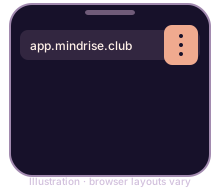
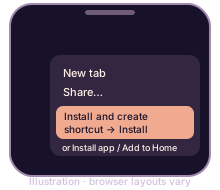
- Open MindRise with the button above. Make sure it opens in Safari.
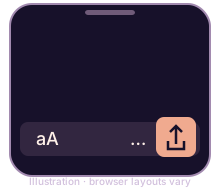 Tap the Page Menu button, then Share. Depending on your Safari layout, you may see the Share button directly.
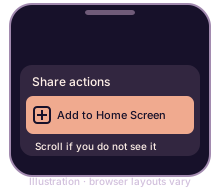 Scroll through the share actions and tap Add to Home Screen. If it is missing, scroll to Edit Actions and add it.
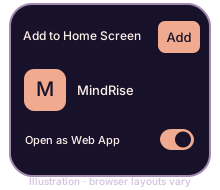 If shown, turn Open as Web App on, then tap Add.
- Open MindRise from its new home-screen icon.